Codex 0.171: a terminal workspace and GPT-6.2 Sol as default
What is new in Codex CLI 0.171? The release of OpenAI's terminal coding agent, published on November 20, turns on the terminal workspace by default: next to the conversation you see documents, images and subagent transcripts. GPT-6.2 Sol and Astra are in the model catalog, with Sol as the default selection. With codex exec --remote you can start or resume sessions on an existing server, and /remote shows a pairing code for remote control.
We read the rust-v0.171.0 release notes on GitHub and the list of pull requests that comes with it.
What happened
Codex CLI is OpenAI's open-source coding agent that runs in the terminal. Version 0.171.0 was published as a stable release on November 20 at 00:44 UTC. GitHub also lists alpha builds of 0.172 and 0.173; those are not meant for everyday use and are left out here.
The main changes
- New models. GPT-6.2 Sol and Astra are in the model catalog. Sol is the default selection in that catalog.
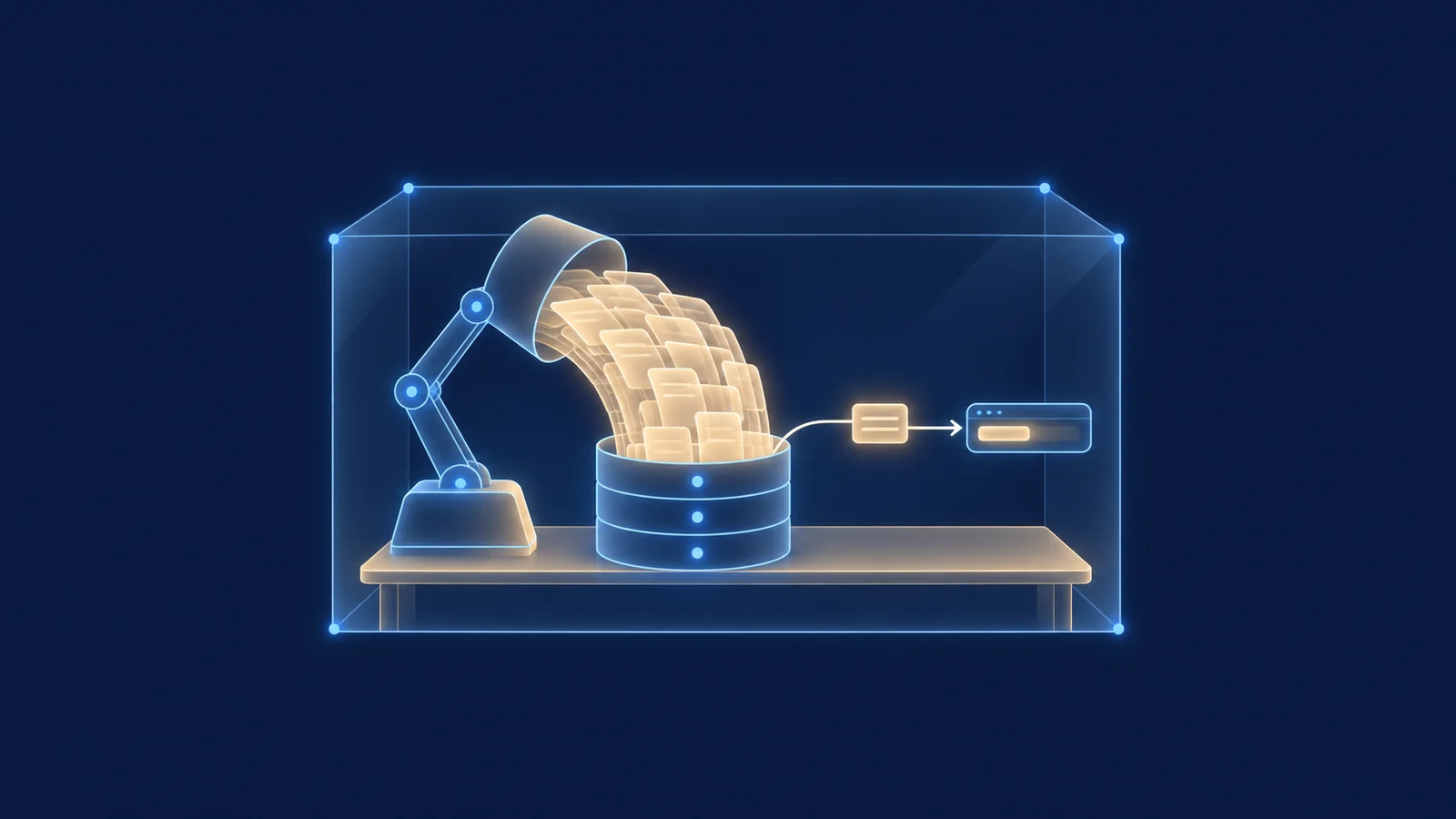
- Workspace on by default. The workspace in the text interface (TUI) is now marked stable. You can search document previews, view images and read subagent transcripts next to the main conversation.
- Undo and redo. The composer gets configurable undo and redo shortcuts, which also restore attachments and large pastes.
- Remote sessions.
codex exec --remote <address>starts or resumes a noninteractive session on an app server that is already running. - Managing remote control.
/rcand/remotemanage local remote control and display device pairing codes. - Custom status line. With
tui_extensions_statuslineenabled,/statuslinelets you pick an MCP server that fills the status line.
Fixes
Among the fixes: drafts and queued follow-ups stay with their own thread when you switch sessions, permission profiles survive a change of working directory, and a late completion event from an earlier turn no longer cancels the approval for a newer one. Enterprise MCP sign-in now works with identity providers that issue no refresh token. Source builds move to Rust 1.99.1.
What this means
The workspace turns Codex in the terminal into more of a workbench than a chat window. If you use subagents, you can now follow what they do without leaving the main conversation. It builds on the side chats and trusted folders in Codex 0.169, two versions earlier.
The approval fix is small but matters for safety: an approval belongs to one concrete action and should not disappear because of a stale event. With Sol as the catalog default, Codex follows the new model generation we described in our article on GPT-6.2 Astra and Sol. For a comparison with another terminal agent, see the latest changes in our article on Claude Code 2.1.330.
What we did not check
We did not install version 0.171 ourselves; the Mac we test on was under heavy load, and using GPT-6.2 models draws on a paid subscription. The release notes do not say whether Sol is also the default in OpenAI's apps; the change concerns the CLI's catalog.
Checked on November 23, 2026.
This article was written with AI (Claude) and checked against the sources below.
Sources
- OpenAI, Codex rust-v0.171.0 release notes (November 20, 2026): github.com
- Comparison rust-v0.170.0 to rust-v0.171.0: github.com